
JU7 Game Login – Secure Account Access and Login Guide

Ju7 Game
Learn how to complete the JU7 Game login securely, solve common access problems, protect your account, and use the official JU7 Game APK safely.
JU7 Game Login: Securely Access Your Account
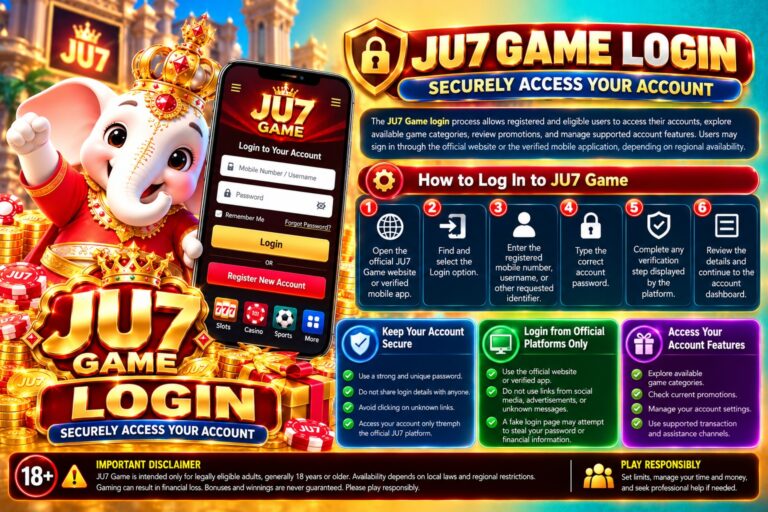
The JU7 Game login process allows registered and eligible users to access their accounts, explore available game categories, review promotions, and manage supported account features. Users may sign in through the official website or the verified mobile application, depending on regional availability.
Account security should always be a priority. Enter your login information only on the official JU7 platform, and avoid links received through unknown messages, advertisements, or social media accounts. A fake login page may attempt to steal your password, verification code, or financial information.
How to Log In to JU7 Game
Registered users can follow these general steps to access their accounts:
- Open the official JU7 Game website or verified mobile app.
- Find and select the Login option.
- Enter the registered mobile number, username, or other requested identifier.
- Type the correct account password.
- Complete any verification step displayed by the platform.
- Review the details and continue to the account dashboard.
JU7 Game Login Through the Android App
Android users may access their accounts through the official JU7 Game APK when it is available. Download the application only from the official website or a source explicitly verified by JU7 support.
Before installing the ju7 game apk, check the published version, file details, and Android requirements. Do not use modified applications from third-party download pages because they may contain malicious software or expose personal information.
After installation, open the app and enter the same registered credentials associated with your JU7 Game account. Creating multiple accounts may violate promotional or account rules, so users should maintain only one verified account unless the official terms state otherwise.
Common Login Problems and Solutions
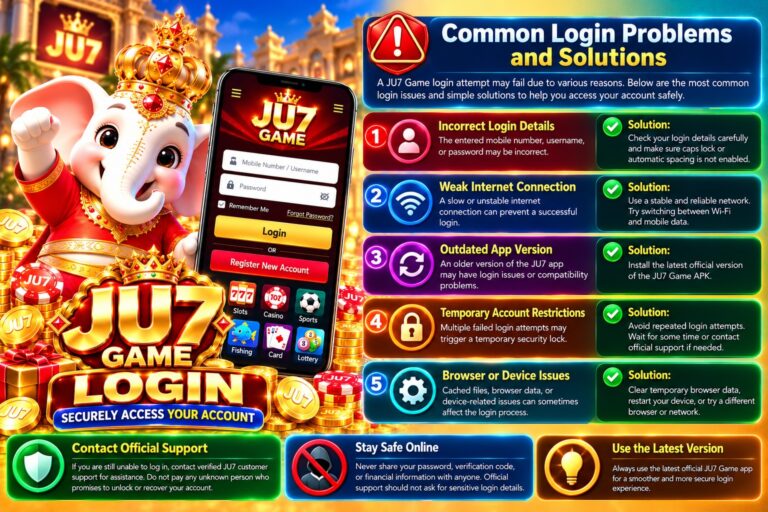
A JU7 Game login attempt may fail because of incorrect credentials, a weak internet connection, an outdated app, or temporary account restrictions. Check the entered information carefully and confirm that caps lock or automatic spacing has not changed your password.
If the app is outdated, install the latest official version. Users should also clear temporary browser data, restart their device, or try a reliable network. Avoid making repeated login attempts, as this may activate a temporary security lock.
If access remains unavailable, contact verified JU7 customer support. Do not pay an unknown person who promises to unlock or recover your account.
Protect Your JU7 Account
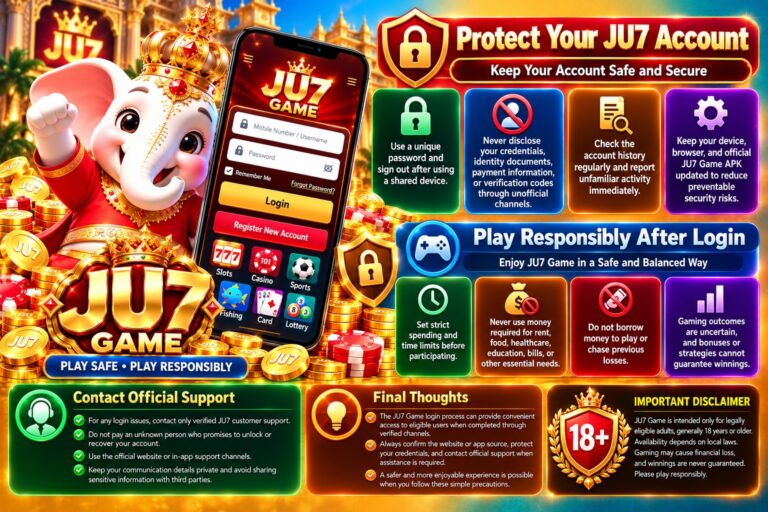
Use a unique password and sign out after using a shared device. Never disclose your credentials, identity documents, payment information, or verification codes through unofficial channels.
Check the account history regularly and report unfamiliar activity immediately. Keep your device, browser, and official JU7 Game APK updated to reduce preventable security risks.
Play Responsibly After Login
JU7 Game should be used only for entertainment. Set strict spending and time limits before participating. Never use money required for rent, food, healthcare, education, bills, or other essential needs.
Do not borrow money to play or chase previous losses. Gaming outcomes are uncertain, and bonuses or strategies cannot guarantee winnings.
Final Thoughts
The JU7 Game login process can provide convenient access to eligible users when completed through verified channels. Always confirm the website or app source, protect your credentials, and contact official support when assistance is required.
Important Disclaimer: JU7 Game is intended only for legally eligible adults, generally 18 years or older. Availability depends on local laws. Gaming may cause financial loss, and winnings are never guaranteed. Please play responsibly.